3 models compared
DisplayPort Cables
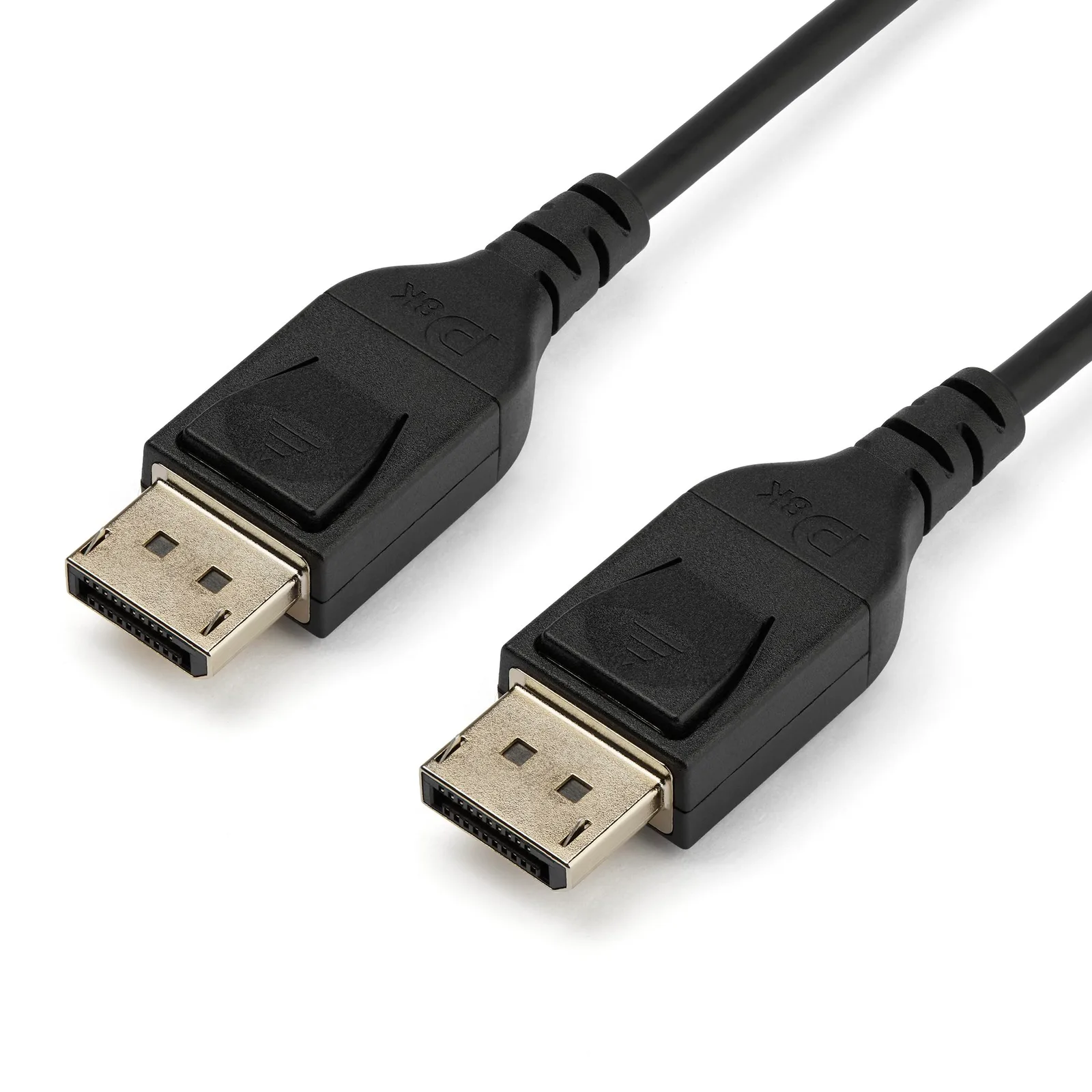
Choose the StarTech DP14MM1M for a computer and monitor with full-size DisplayPort ports when its 1m cable reaches between them.1
Compare products. Choose well.
Charging & Power
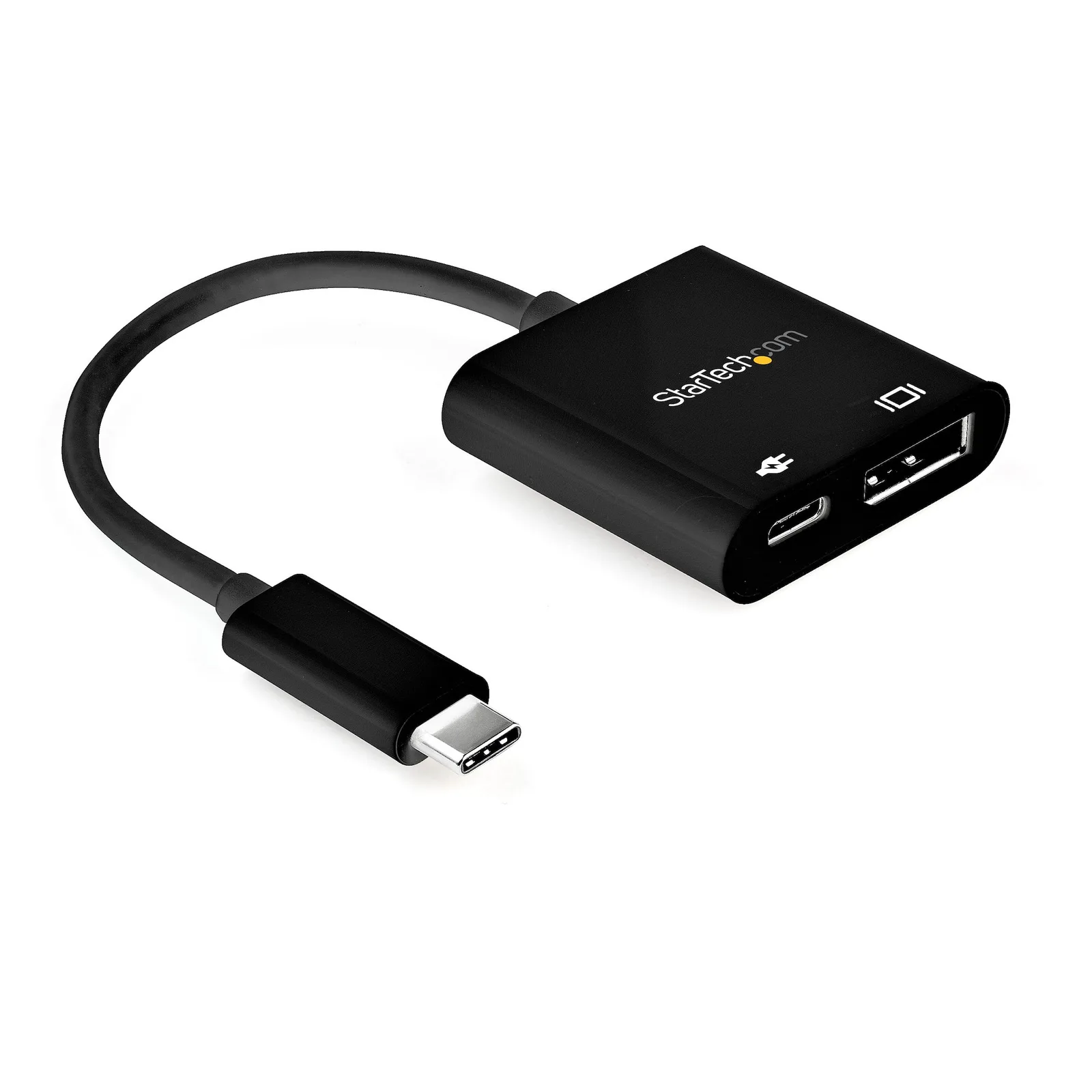
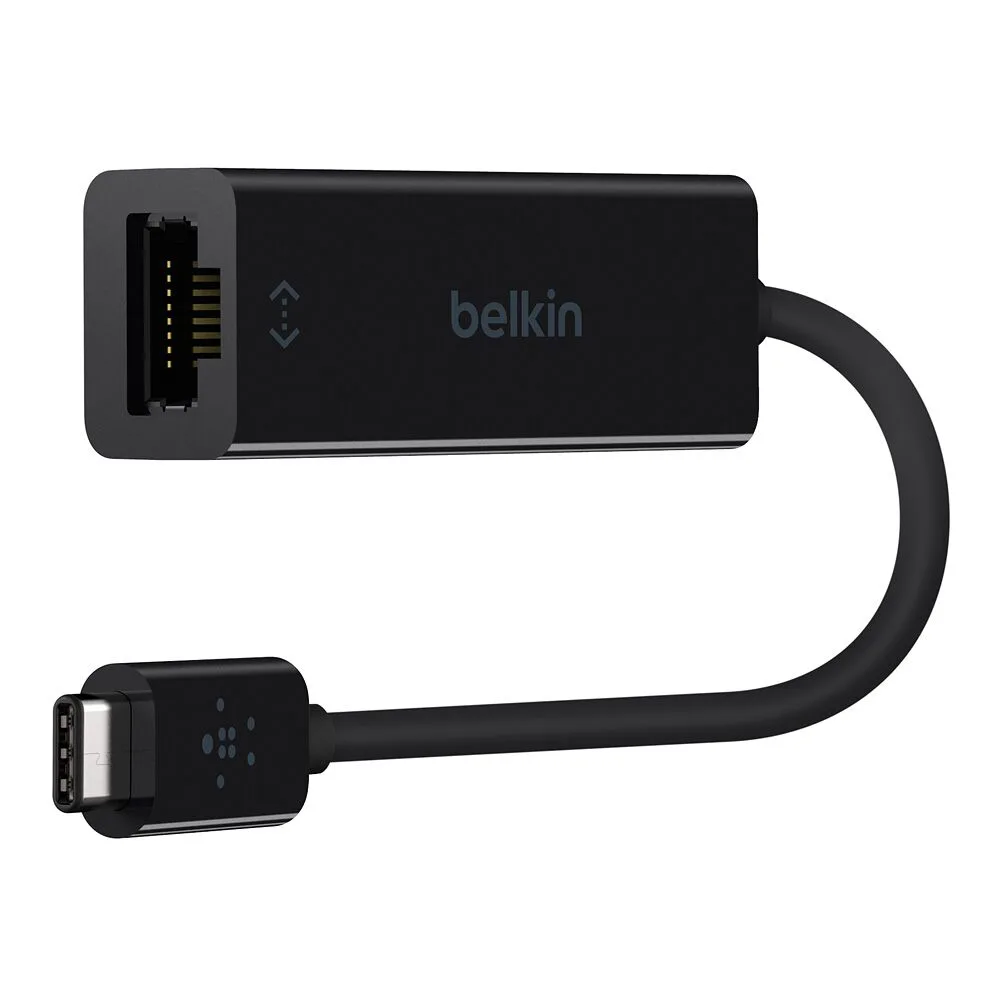
Match both cable connectors to the charger and device, then choose the reach you need. Check charging power and data speed separately; each depends on the cable and compatible equipment.122021 For a Lightning device, choose a USB-C-to-Lightning cable when the charging source has a USB-C port.56 For audio, choose a headphone socket for headphones or a 3.5 mm AUX plug for the stereo input.2223 For a screen, match HDMI or DisplayPort to its input. Check the computer’s video requirements, including DisplayPort Alt Mode where the adapter requires it.151617 For Micro-B devices, check whether the device-end plug is the narrow USB 2.0 shape or the wider USB 3.x shape before choosing the host connector or transfer rate.724 For wired networking, match the Ethernet adapter to the computer’s USB port and the network’s link speed; choose a charging input too if the same port must power the laptop.1925
Browse categoriesFind your starting point
3 models compared
Choose the StarTech DP14MM1M for a computer and monitor with full-size DisplayPort ports when its 1m cable reaches between them.1
5 models compared
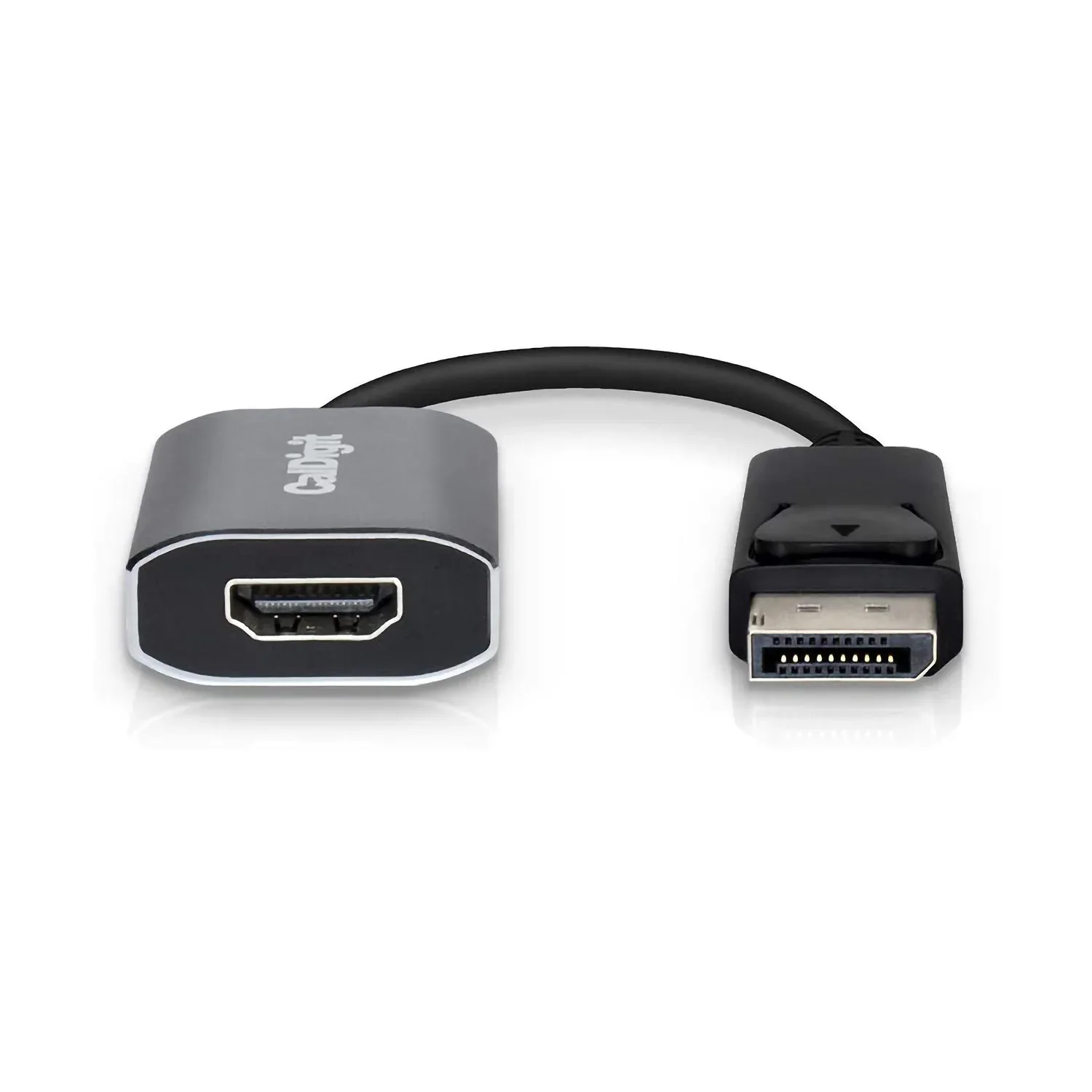
Choose CalDigit for a full-size DisplayPort computer and an HDMI screen up to 4K at 60Hz.2
5 models compared
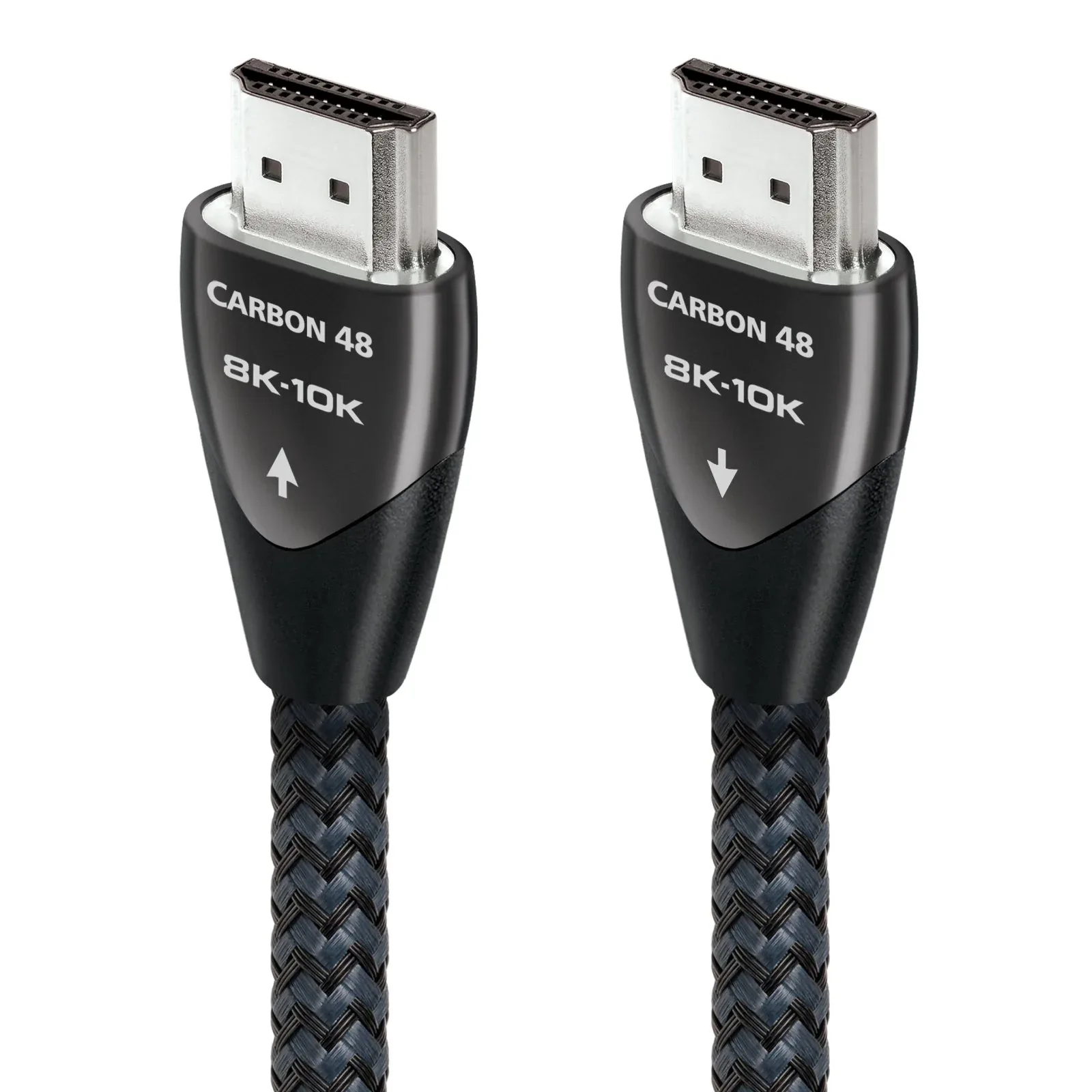
Choose the AudioQuest Carbon 48 for a compatible gaming setup with the source beside the screen.34
3 models compared
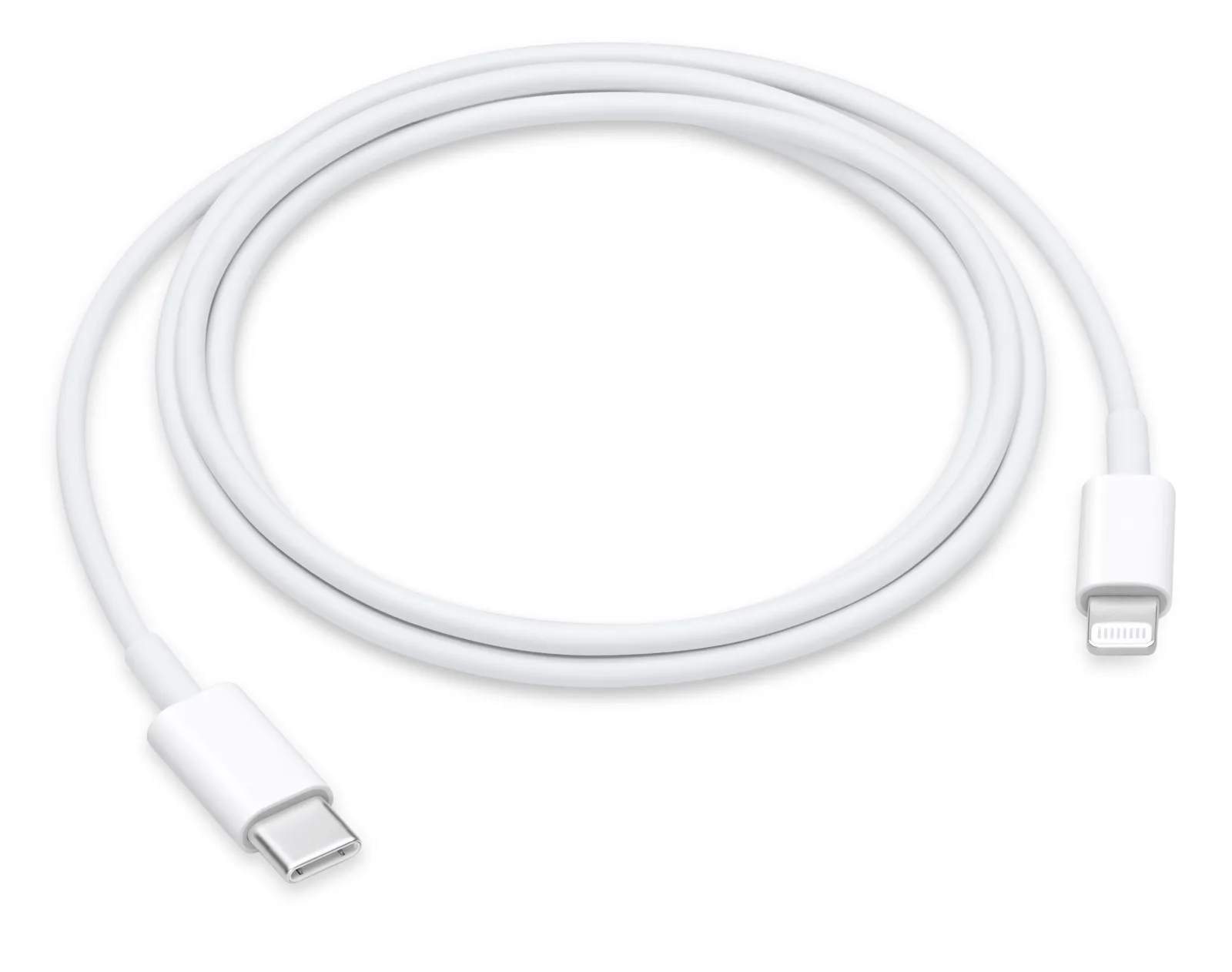
Choose the Apple USB-C to Lightning 1-meter for a Lightning device charged beside a USB-C charger.56
6 models compared
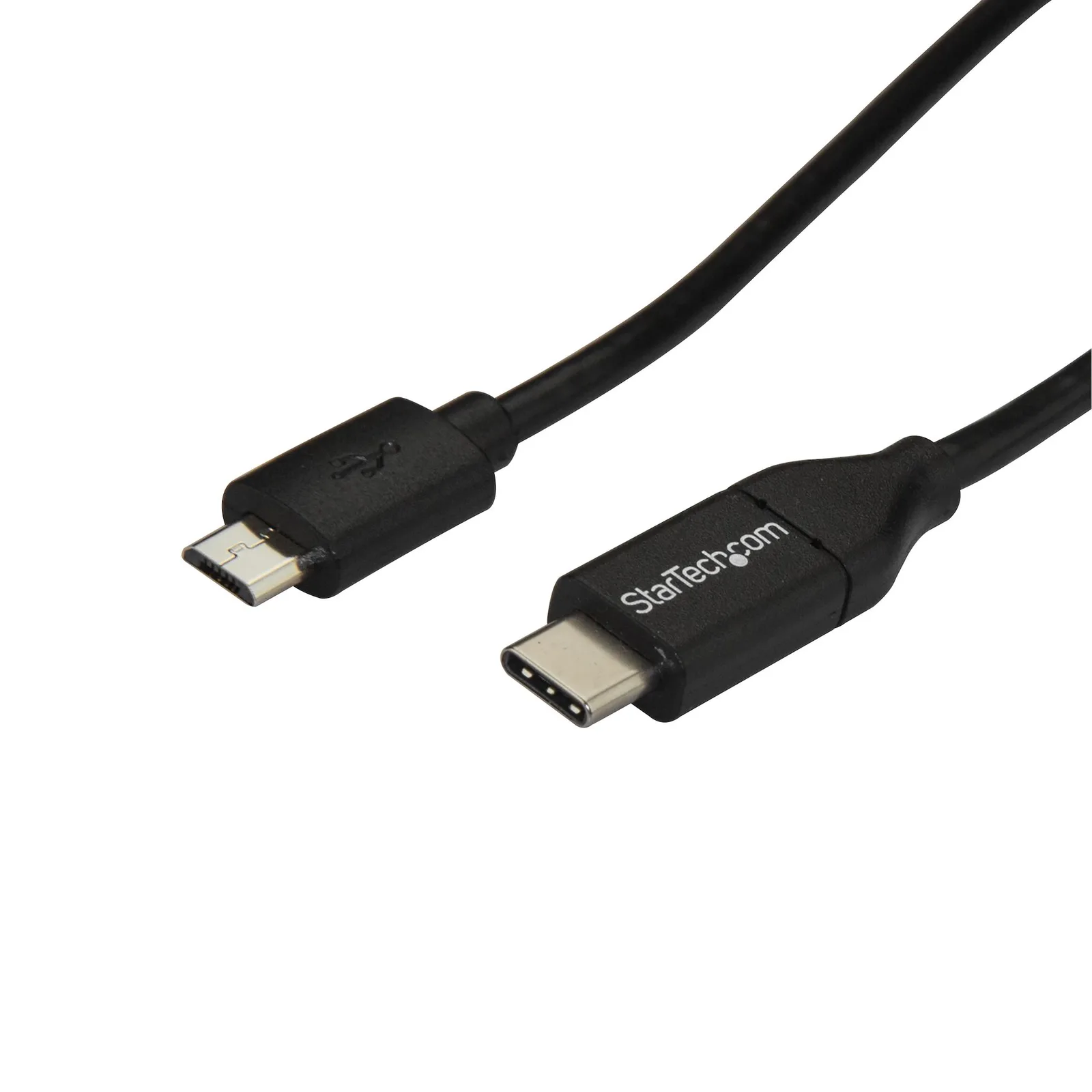
Choose the StarTech USB2CUB1M for an ordinary narrow Micro-B device connected to a USB-C computer or charger.7
10 models compared
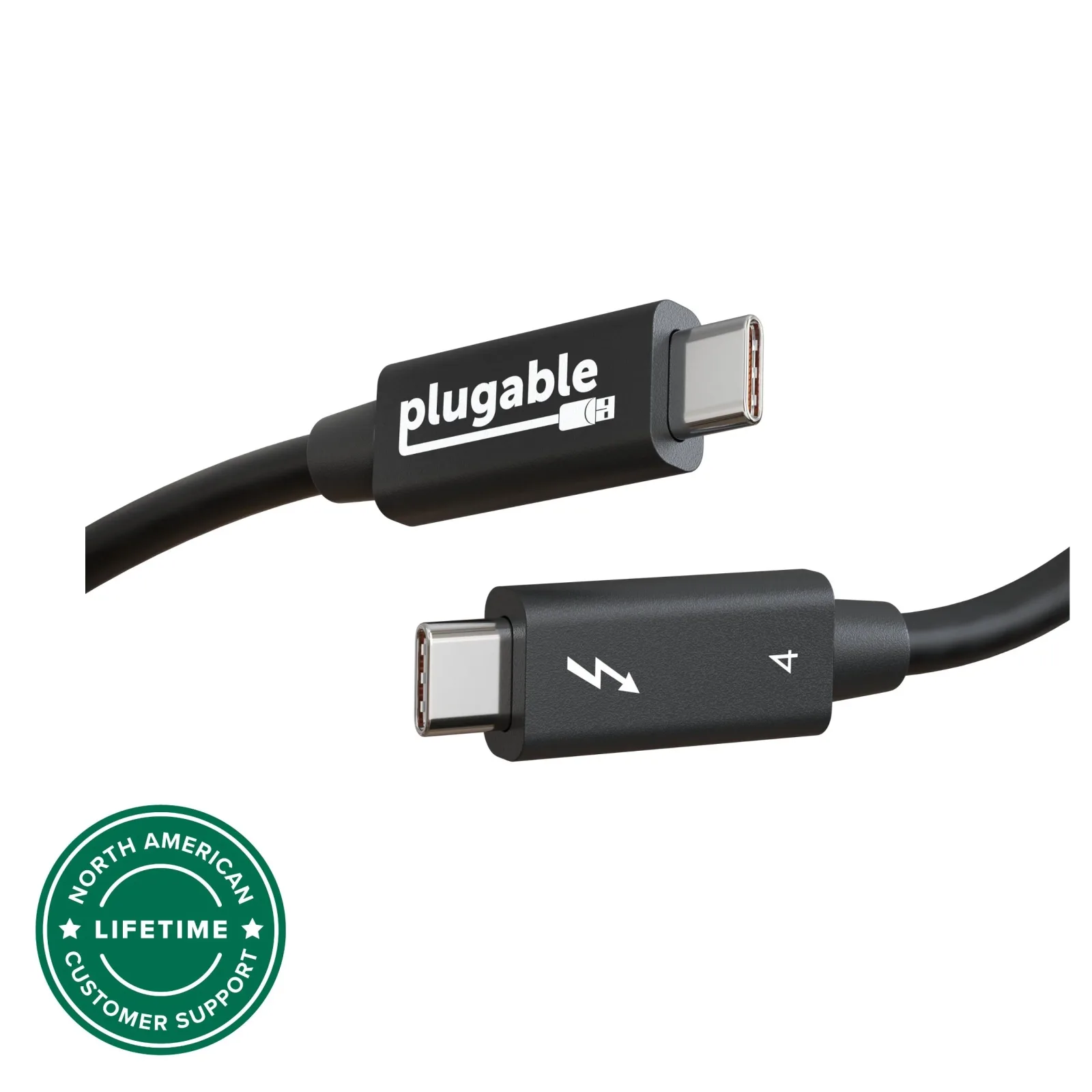
Choose the Plugable Thunderbolt 4 Cable (1 m) for a nearby Thunderbolt dock or drive when up to 100 W charging covers your laptop.8
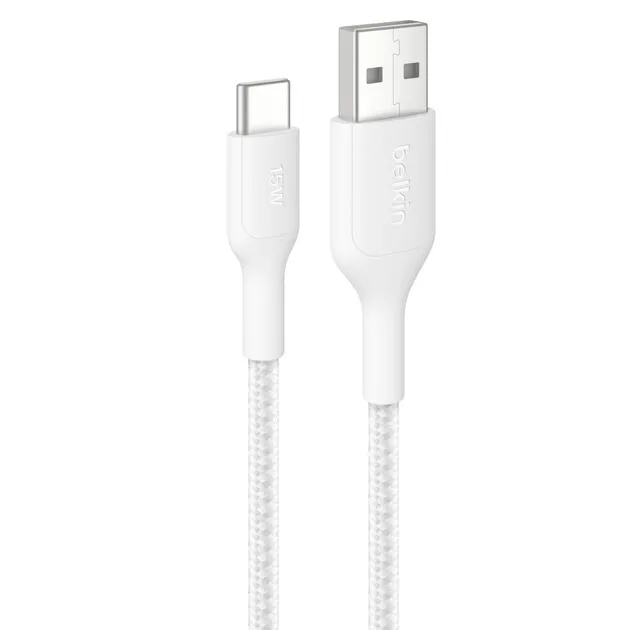
17 models compared
For a USB-A charger beside the desk or bed, choose the one-metre Belkin BoostCharge Pro cable.9
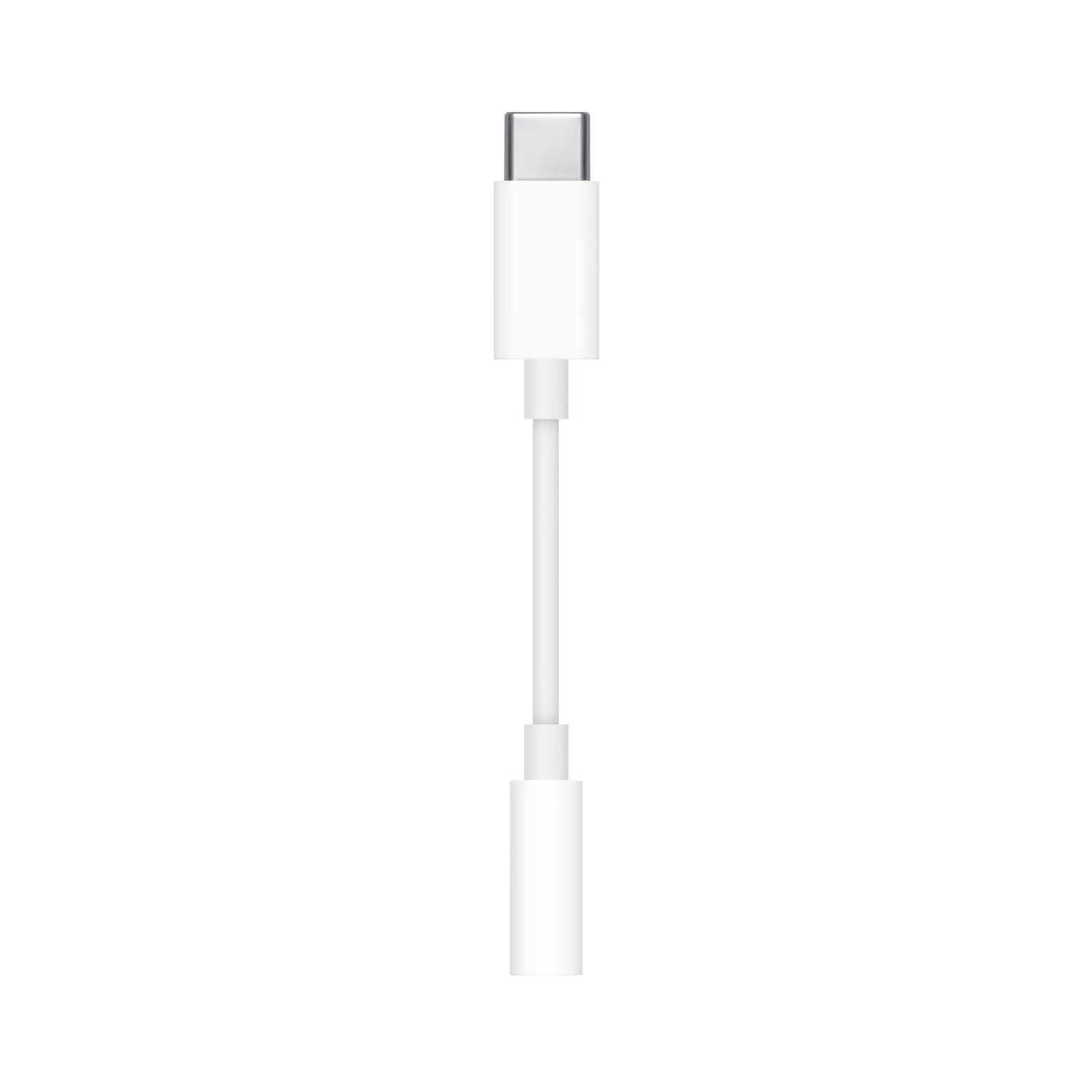
5 models compared
Choose Apple’s USB-C to 3.5 mm adapter for a small headphone connection that is easy to carry.10
21 models compared
For everyday USB-C charging with room to reach an outlet, choose the Belkin BoostCharge 240-watt cable.1112
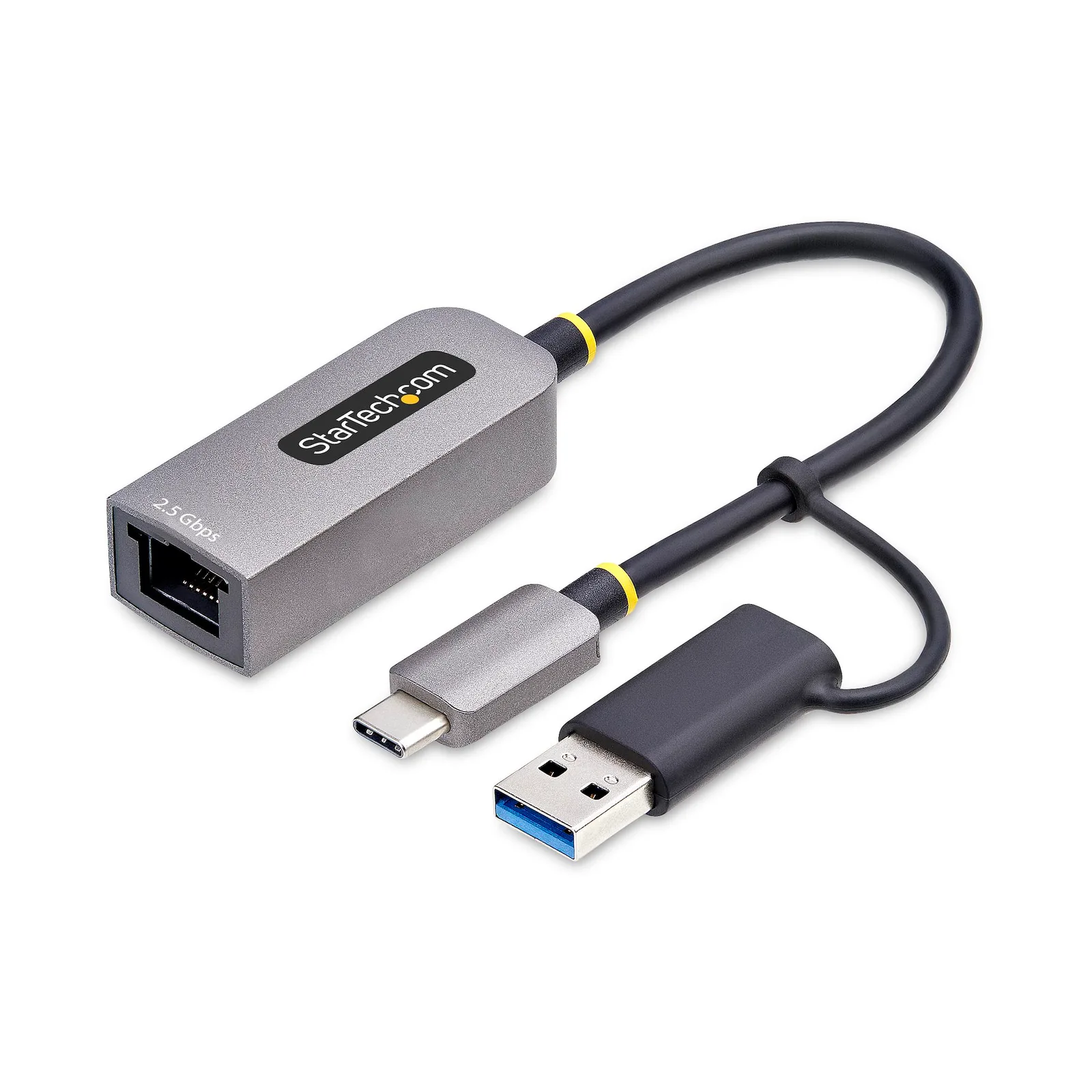
12 models compared
Choose StarTech U2GA-USB-C-ETHERNET when a Windows computer needs a network driver and has no Internet connection.13
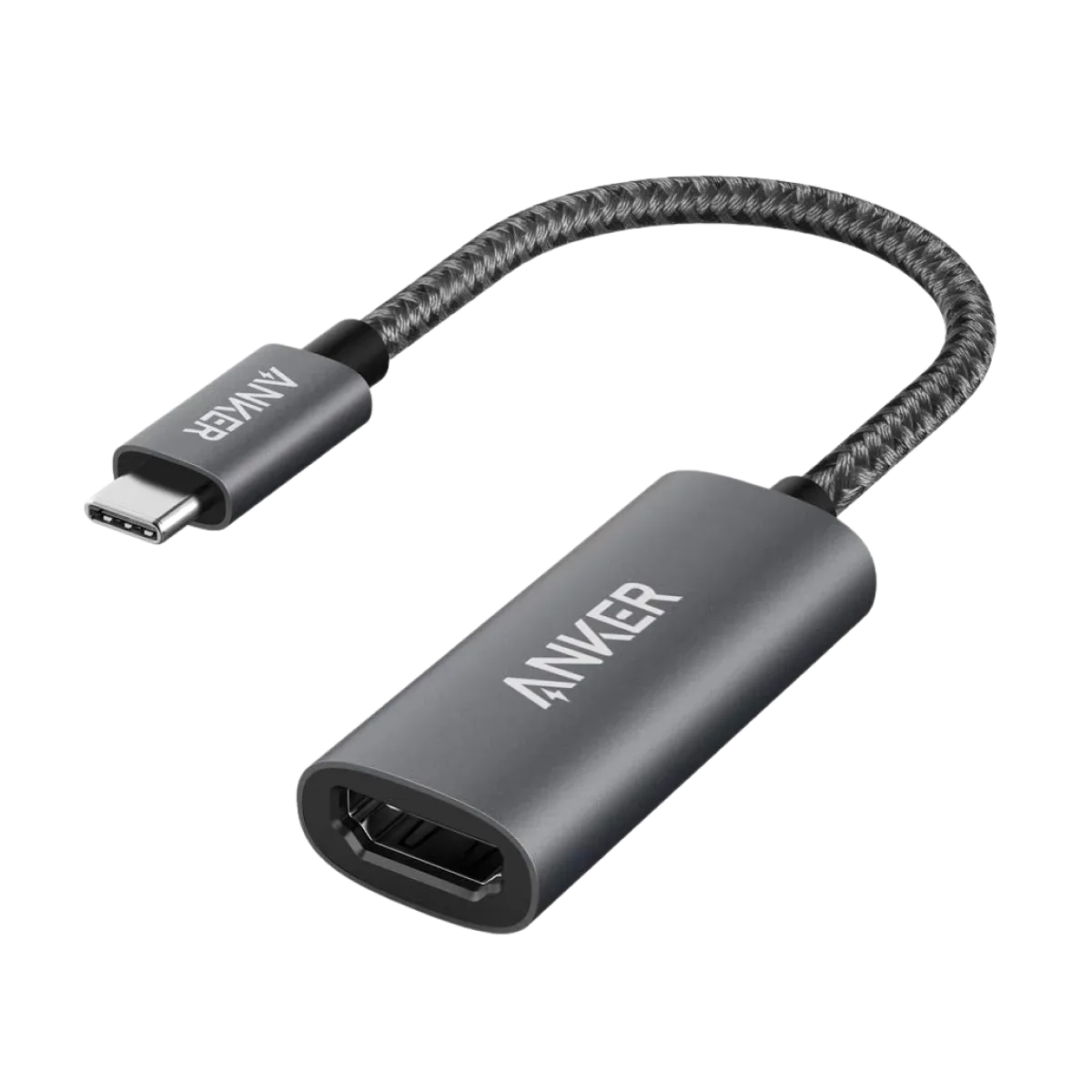
3 models compared
Choose the Anker 310 when both your HDMI monitor and video source support HDR: the Anker supports HDR, while the StarTech CDP2HD4K60 does not.141516
Explore the models