40 models compared
Cables & Adapters
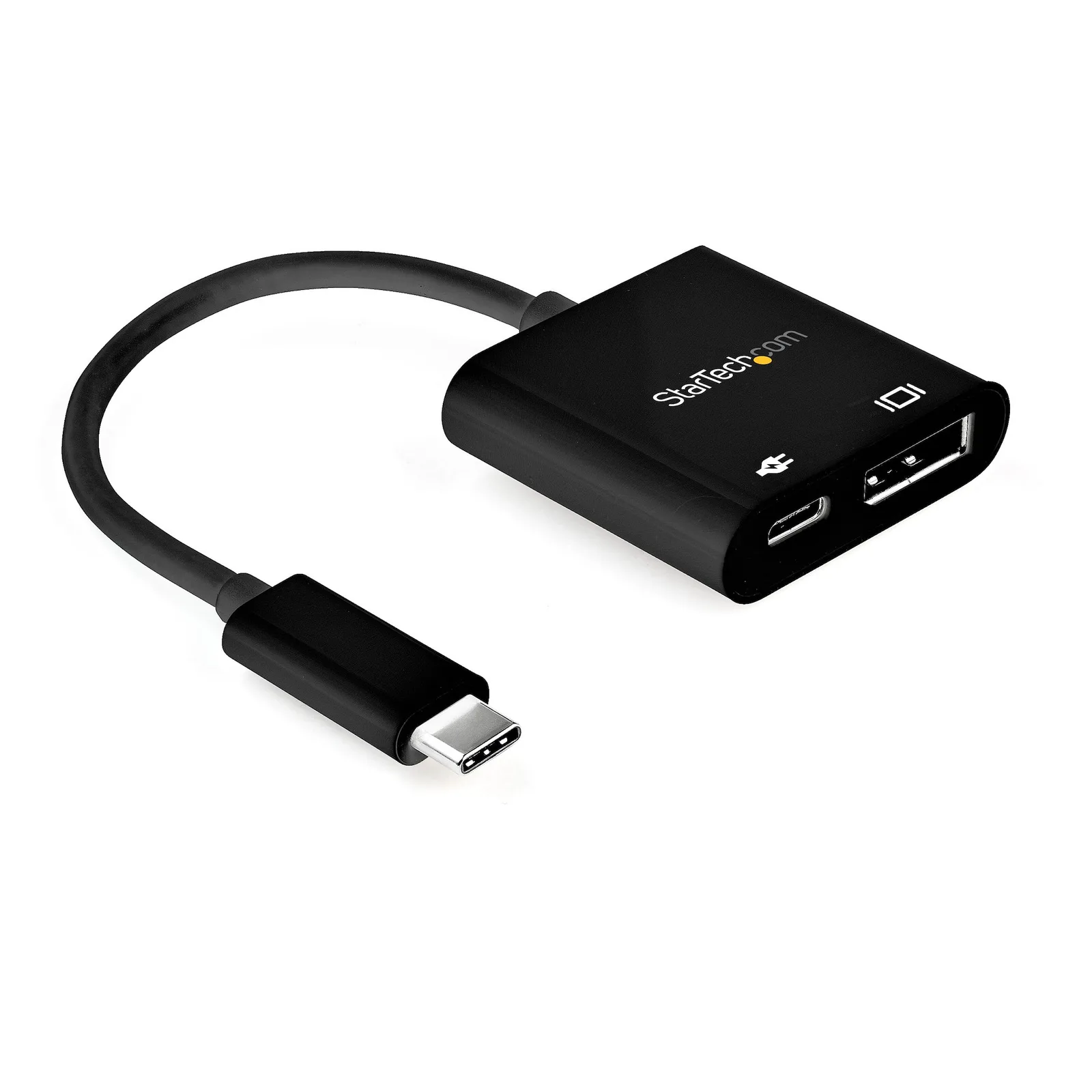
For a Lightning device, choose a USB-C-to-Lightning cable when the charging source has a USB-C port.12 For audio, choose a headphone socket for headphones or a 3.5 mm AUX plug for the stereo input.34 For a screen, match HDMI or DisplayPort to the display input and check the computer’s video-port requirements, including the specified DisplayPort Alt Mode support.567 For Micro-B devices, check whether the device-end plug is the narrow USB 2.0 shape or the wider USB 3.x shape before choosing the host connector or transfer rate.89