Head to head
StarTech.com DP14MM1M 1m DisplayPort 1.4 Cable vs StarTech.com DP21V-2M-DP80-CABLE 2m DisplayPort 2.1 DP80 Cable
Our pick
StarTech.com DP14MM1M 1m DisplayPort 1.4 Cable
DisplayPort Cables
Why this one
- The StarTech DP14MM1M provides a short 1m connection between full-size DisplayPort ports, keeping excess cable down when the computer and monitor sit close together.1
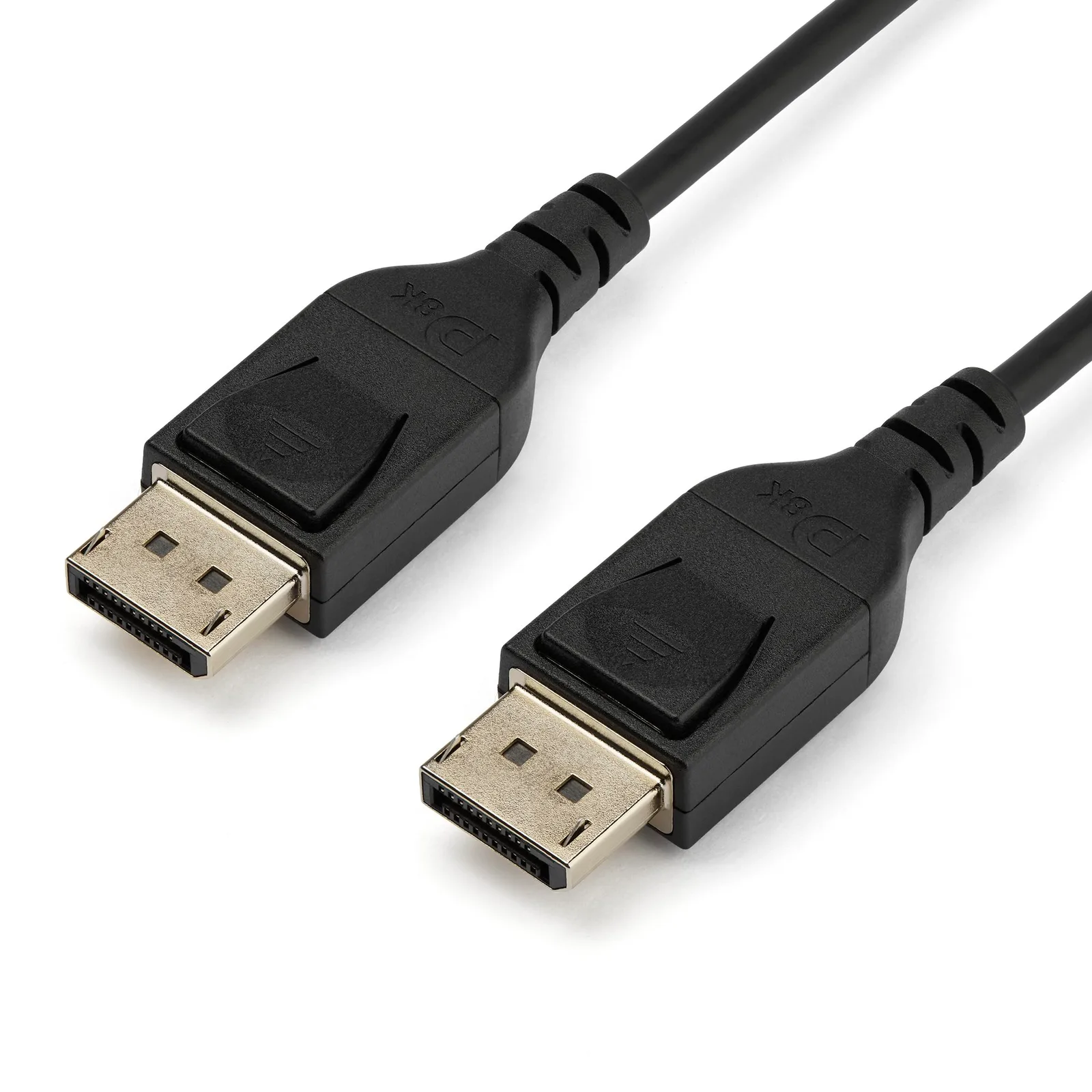
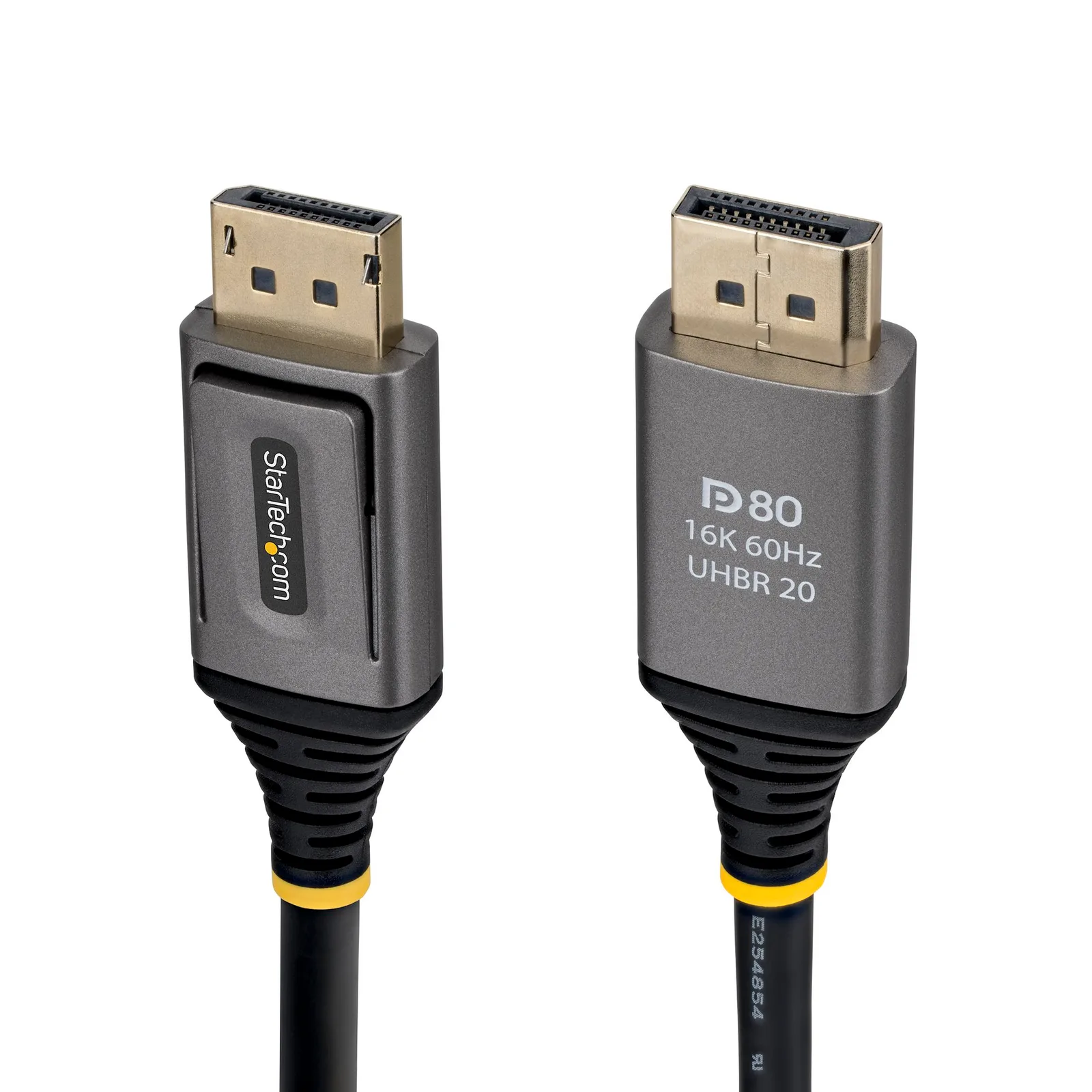
Product photographs. Not to scale.
What StarTech.com DP21V-2M-DP80-CABLE 2m DisplayPort 2.1 DP80 Cable offers
Choose the 2m StarTech DP21V-2M-DP80-CABLE when both devices support the required UHBR20 mode, such as 4K at 240Hz with uncompressed 8-bit 4:4:4 color.2
2 models / at a glance
Key differences
What differs
| Specification | StarTech.com DP14MM1M 1m DisplayPort 1.4 Cable | StarTech.com DP21V-2M-DP80-CABLE 2m DisplayPort 2.1 DP80 Cable |
|---|---|---|
| DisplayPort version | DisplayPort 1.43 | DisplayPort 2.12 |
| Length | 1 m1 | 2 m2 |
| Link rate | HBR31 | UHBR202 |
| Bandwidth | 32.4 gbps3 | 80 gbps2 |
More details
| Specification | StarTech.com DP14MM1M 1m DisplayPort 1.4 Cable | StarTech.com DP21V-2M-DP80-CABLE 2m DisplayPort 2.1 DP80 Cable |
|---|---|---|
| Max resolution | 8K (Protocol: DSC1.2 for maximum resolution output; Tested configuration: 8K60Hz and4K120Hz are separate paired cable ratings; compatible source/display required.)3 | 16K (Protocol: DSC 1.2a; Tested configuration: 16K at60Hz; compatible source and display required)2 |
| Max refresh rate | 120 hz (Protocol: DSC1.2 for maximum resolution output; Tested configuration: 8K60Hz and4K120Hz are separate paired cable ratings; compatible source/display required.)3 | 240 hz (Tested configuration: 4K at240Hz, uncompressed8-bit4:4:4; compatible source and display required)2 |
| Plug at the computer | Displayport1 | Displayport2 |
| Plug at the screen | Displayport1 | Displayport2 |