7 models compared
DisplayLink Docking Stations
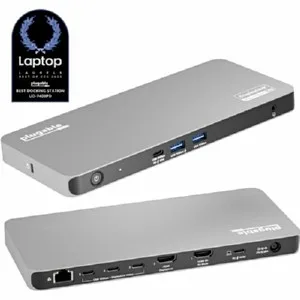
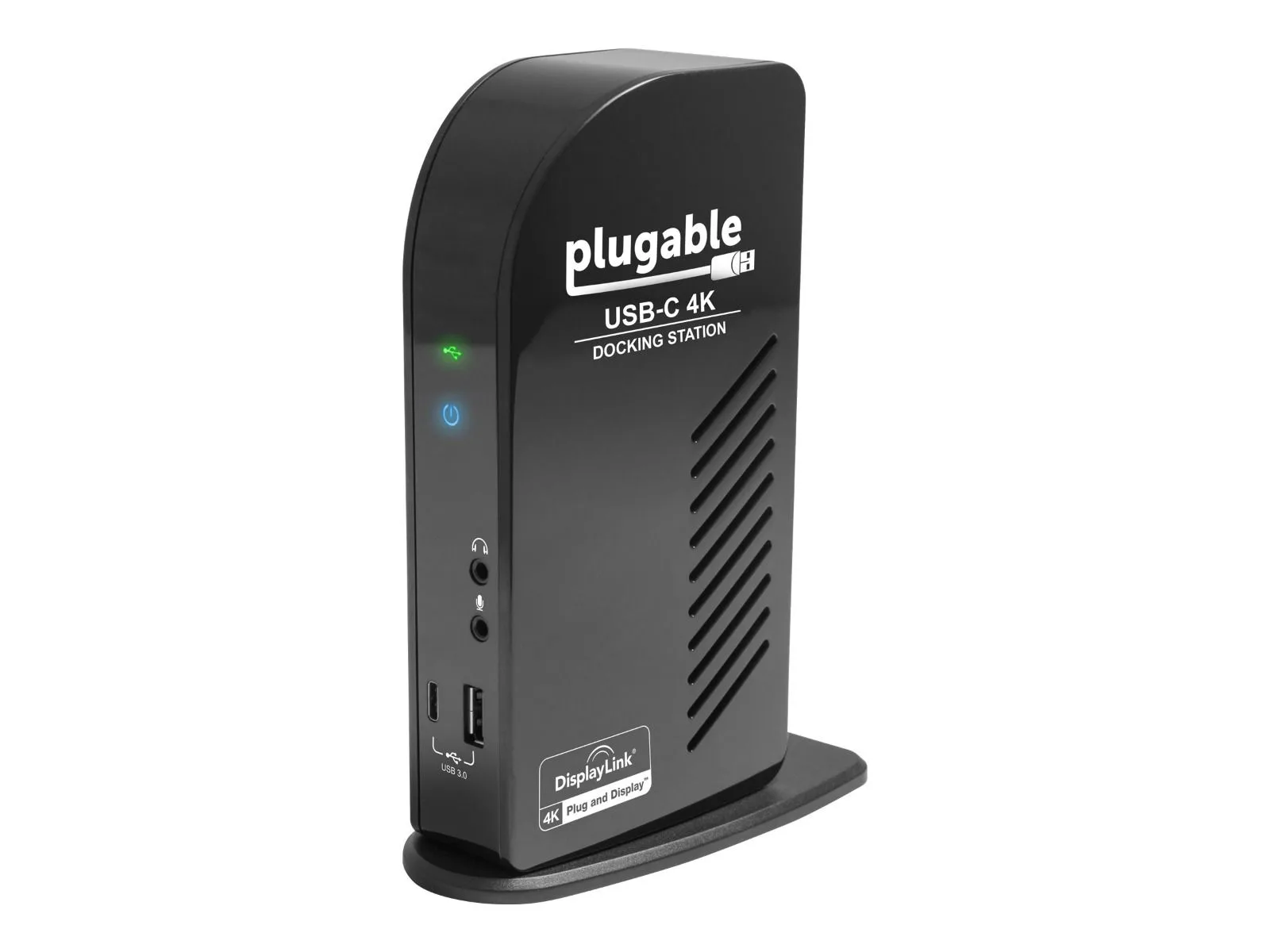
Choose Plugable UD-ULTC4K for a compatible laptop desk with several monitors: it supports three external displays and up to 100 W of laptop charging.1
Compare products. Choose well.
Charging & Power
Use a dock or hub to add display and accessory connections to a compatible laptop or handheld console.18 Match the host requirements and monitor connections first, then check charging support separately; monitor outputs alone do not mean the dock charges the laptop.112
Browse categoriesFind your starting point
7 models compared
Choose Plugable UD-ULTC4K for a compatible laptop desk with several monitors: it supports three external displays and up to 100 W of laptop charging.1
2 models compared
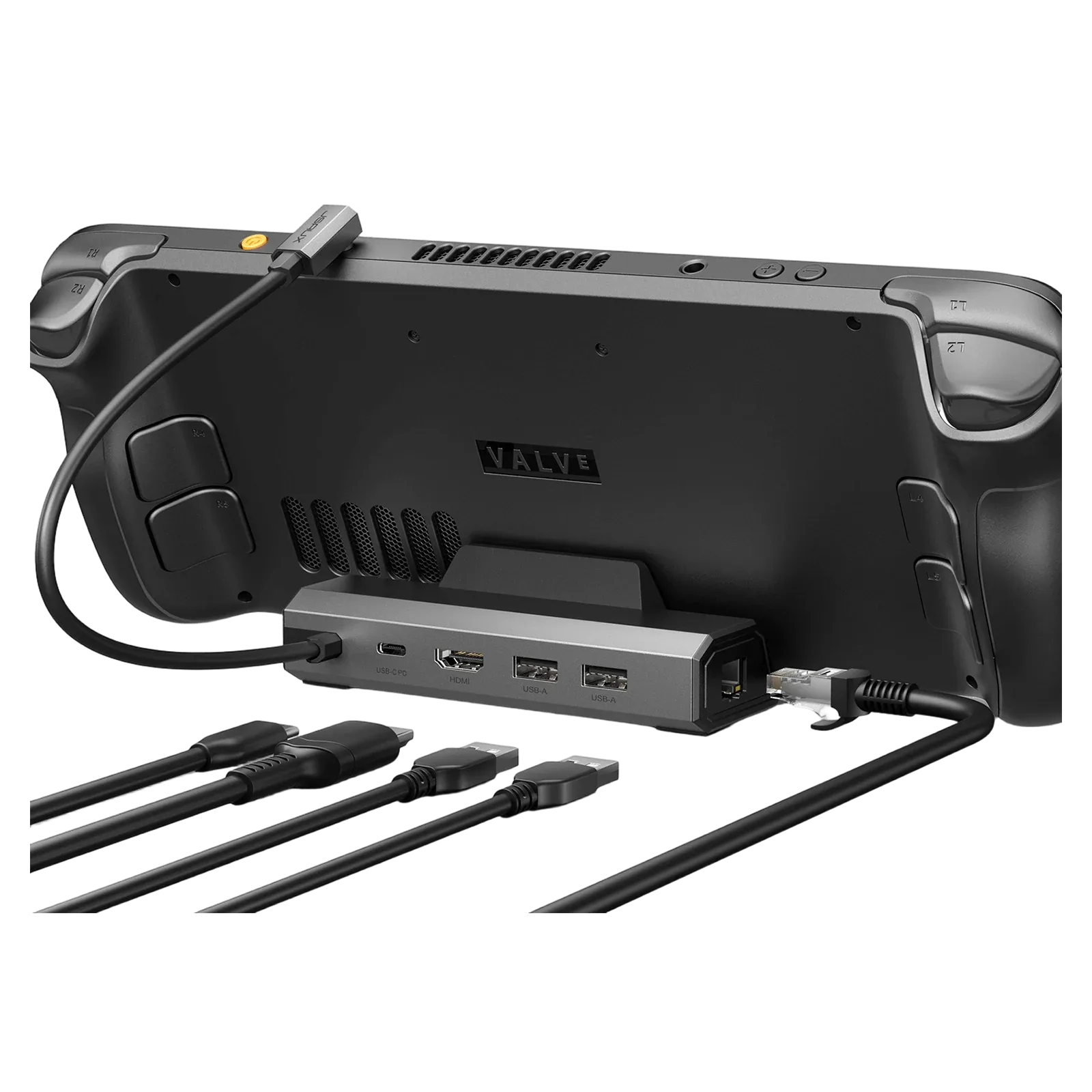
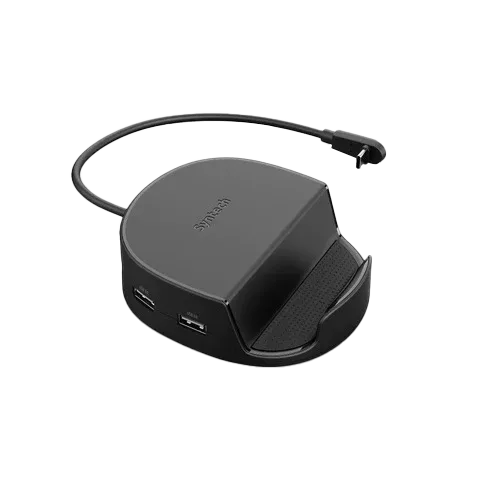
Choose the Syntech 6-in-1 for a compatible Steam Deck or ROG Ally X setup that needs gigabit Ethernet and three USB-A connections.234
6 models compared
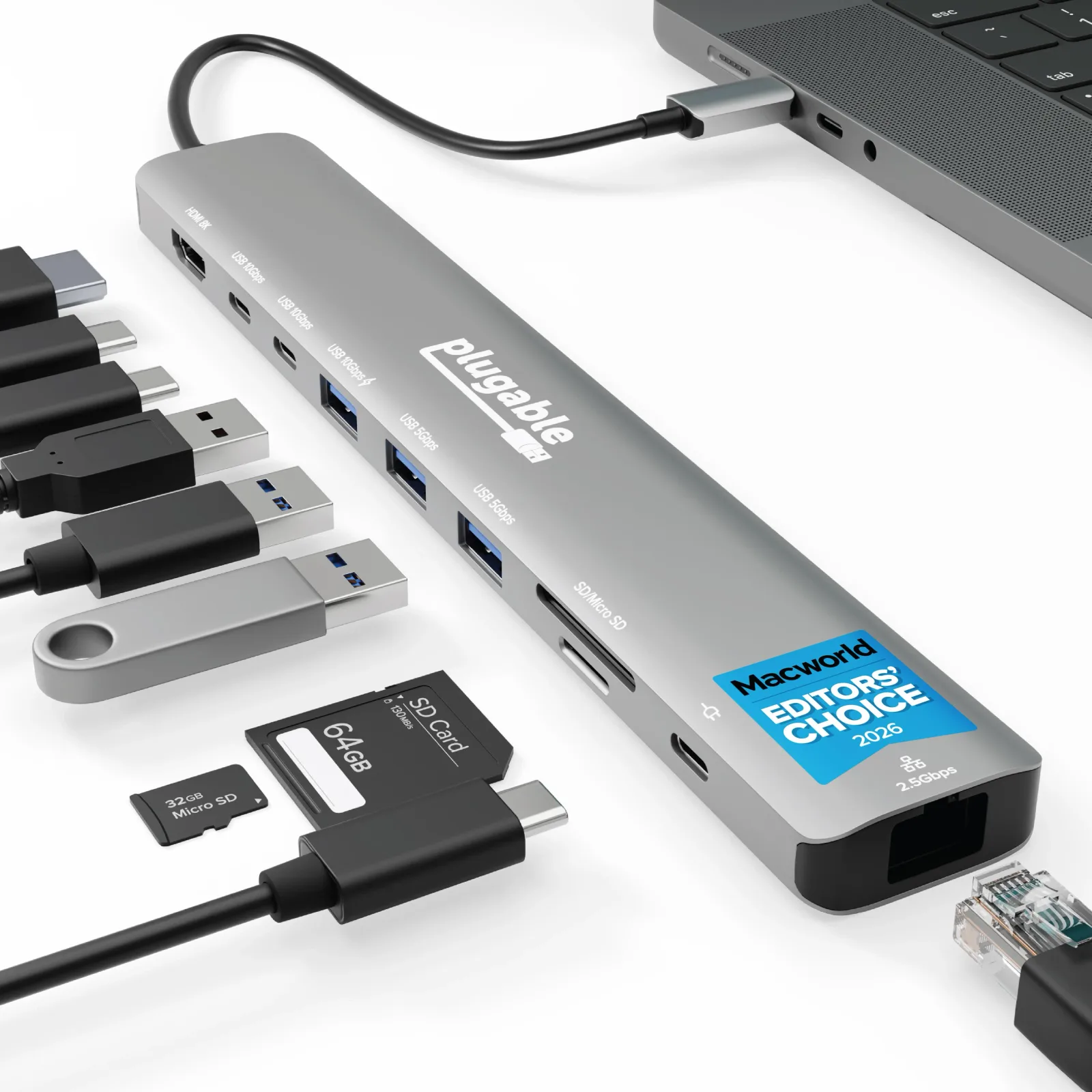
Choose the Plugable USBC-10IN1E for a compatible USB-C laptop setup that needs peripheral connections and high-power pass-through charging.5
3 models compared
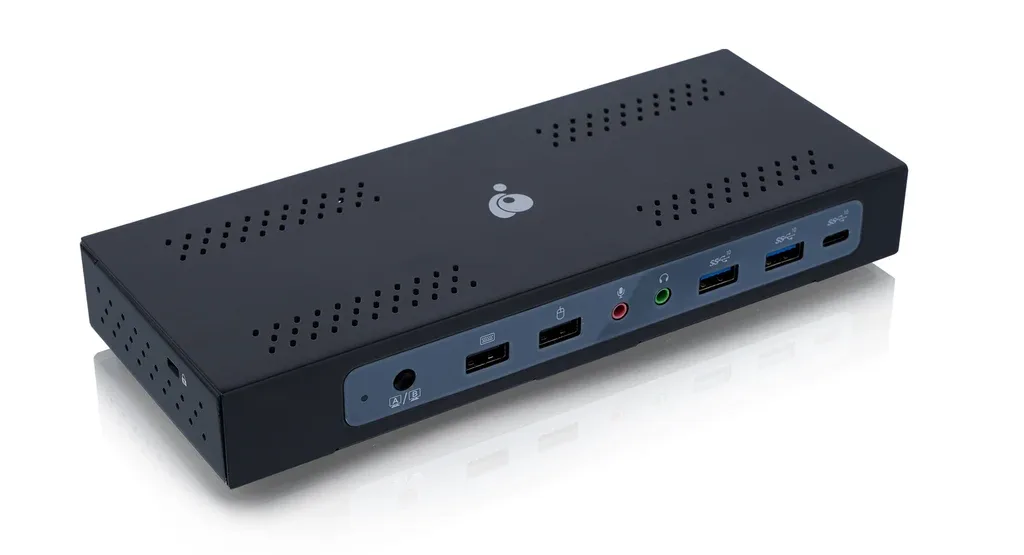
Choose the IOGEAR Dock Pro Duo for two laptops sharing a desk with up to three monitors.6
10 models compared
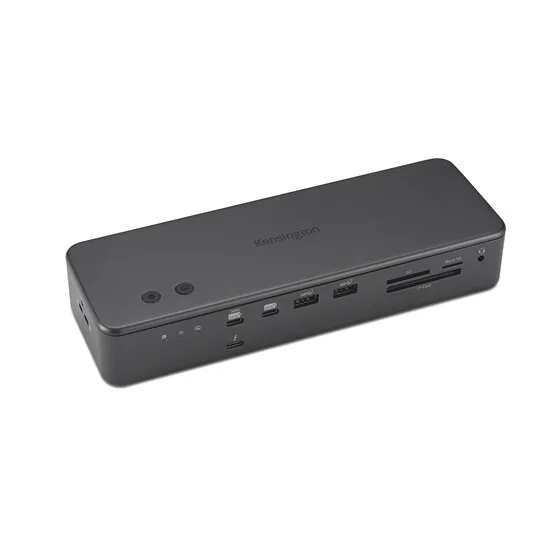
Our pick for a desk with four USB-A accessories is the Kensington SD7100T5 EQ Pro.7
Explore the models