Buying guide
KVM Docking Stations
Our pick
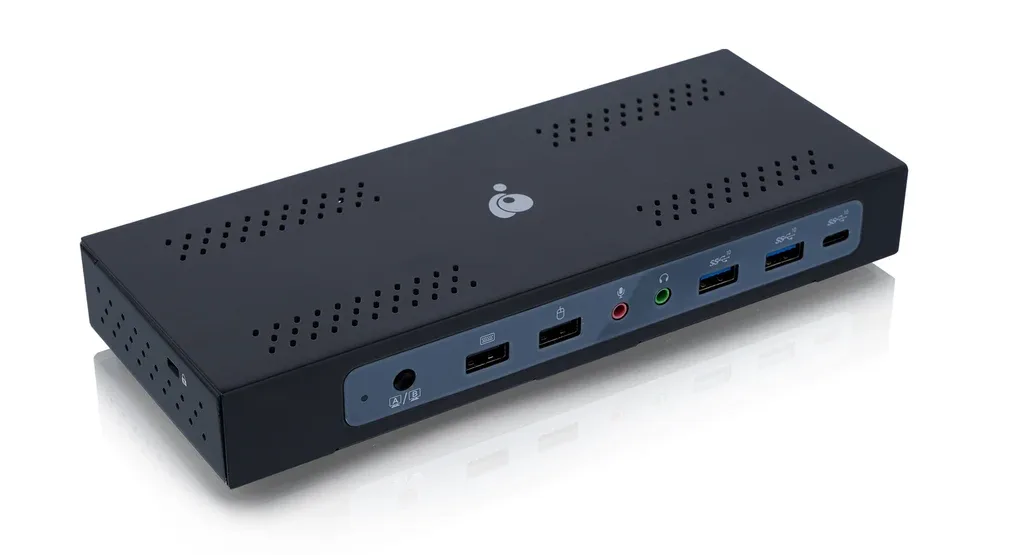
IOGEAR Dock Pro Duo USB-C Docking Station
Choose the IOGEAR Dock Pro Duo for two laptops sharing a desk with up to three monitors.1
Buying advice
- For Targus, check DP Alt Mode support for HDMI and DisplayLink support for the DisplayPort outputs before planning a 4K display setup.3
For keeping both laptops charging at full speed
Match both host power ratings to your laptops before expecting their fastest charging mode.1 The IOGEAR Dock Pro Duo rates both host connections at 100 W.1
For a desk with three monitors
Check that your computers support the monitor layout before choosing a dock for three displays.1 The IOGEAR Dock Pro Duo supports three external displays through two DisplayPort outputs and one HDMI output.1
For a desk with an HDMI monitor
Choose a dock with an HDMI output when your monitor uses HDMI.1 The IOGEAR Dock Pro Duo includes one HDMI output for that connection.1
Compare the options
3 products
Narrow your options
Reset requirementsProduct image unavailableStarTech.com 129UE-USBC-KVM-DOCK
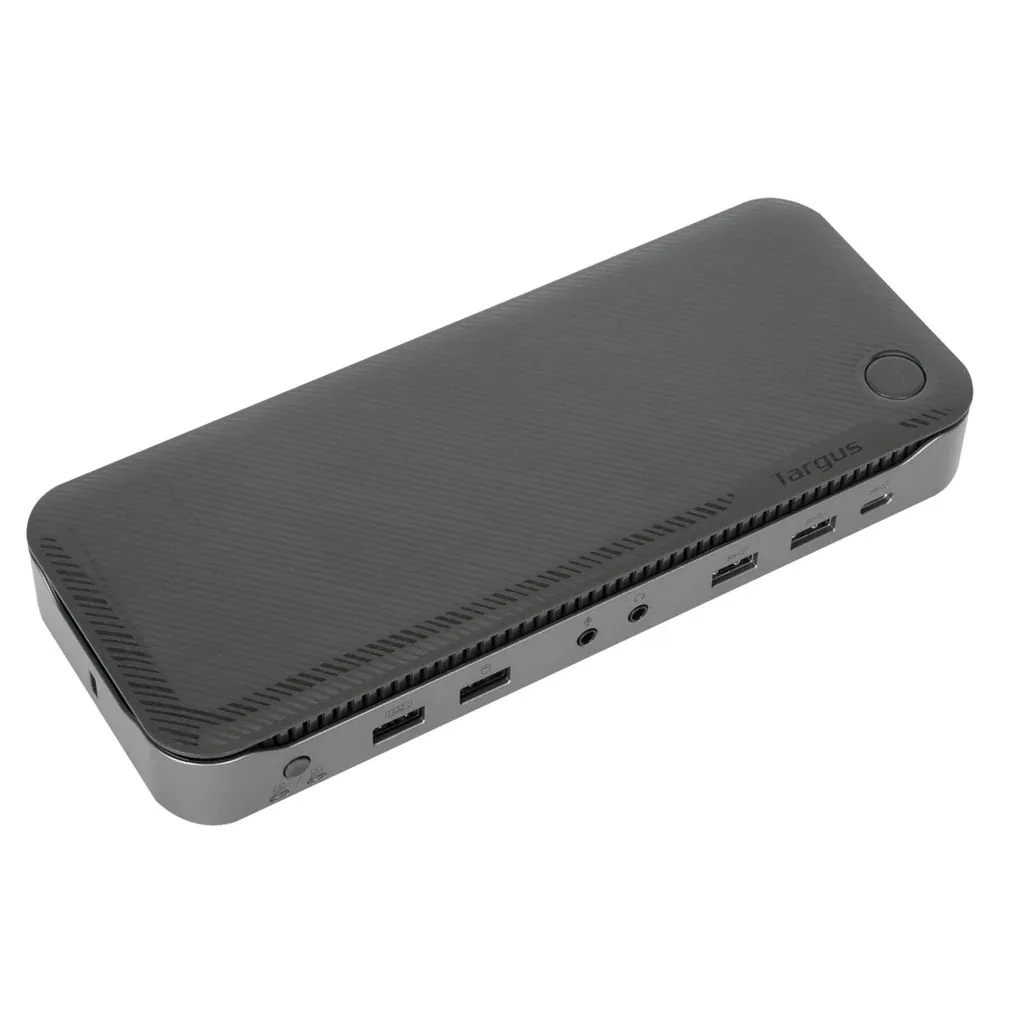
Compare models side by side
Choose two or three products to compare.
Models in this comparison
Every specification for these products
| Specification | IOGEAR Dock Pro Duo USB-C Docking Station | StarTech.com 129UE-USBC-KVM-DOCK | Targus Dual Host USB-C KVM 4K |
|---|---|---|---|
| External displays | 31 | 22 | 3 (Tested configuration: Up to three monitors shared between the two docked hosts; display compatibility depends on host and operating system.)3 |
| Power to the active computer | 100 W1 | 90 W2 | 100 W (Tested configuration: Up to 100W for each USB-C host simultaneously via Power Delivery 3.0.)3 |
| Power to the second computer | 100 W1 | 45 W2 | 100 W (Tested configuration: Up to 100W for each USB-C host simultaneously via Power Delivery 3.0.)3 |
| HDMI outputs | 11 | 04 | 13 |
| Host computers | 21 | 24 | 23 |
| DisplayPort outputs | 21 | 22 | 23 |
How they compare
Scroll the table to see every product and specification.
| Specification | Our pickIOGEAR Dock Pro Duo USB-C Docking Station | StarTech.com 129UE-USBC-KVM-DOCK | Targus Dual Host USB-C KVM 4K |
|---|---|---|---|
| External displays | 31 | 22 | 3 (Tested configuration: Up to three monitors shared between the two docked hosts; display compatibility depends on host and operating system.)3 |
| Power to the active computer | 100 W1 | 90 W2 | 100 W (Tested configuration: Up to 100W for each USB-C host simultaneously via Power Delivery 3.0.)3 |
| Power to the second computer | 100 W1 | 45 W2 | 100 W (Tested configuration: Up to 100W for each USB-C host simultaneously via Power Delivery 3.0.)3 |
| HDMI outputs | 11 | 04 | 13 |
| Host computers | 21 | 24 | 23 |
| DisplayPort outputs | 21 | 22 | 23 |