Buying guide
Thunderbolt Docks
Our pick
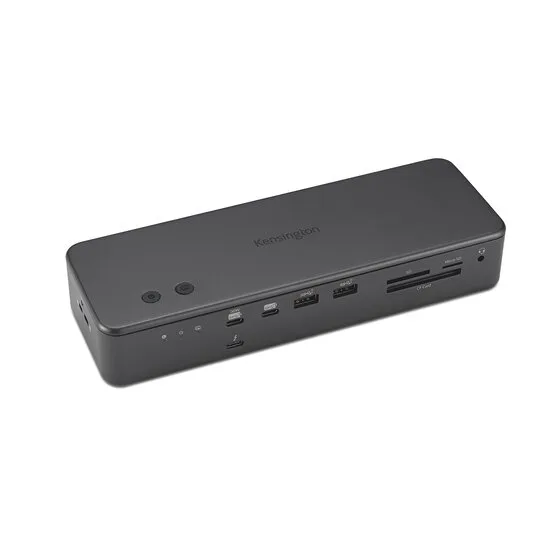
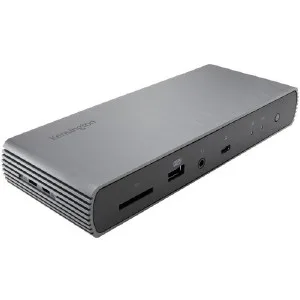
Kensington SD7100T5 EQ Pro
Kensington SD7100T5 EQ Pro is the default for a large accessory setup, with 19 ports and three downstream Thunderbolt connections.1
Why this one
- Choose Kensington SD7100T5 EQ Pro for a desk that needs room to grow: its 19-port inventory includes three downstream Thunderbolt connections for compatible drives or displays.1
- Its Thunderbolt 5 connection and 140 W host charging suit a compatible laptop, but check the laptop’s charging requirements before replacing its separate adapter.1
For a desk with an HDMI monitor or TV
Choose Plugable TBT4-UD5 for an HDMI monitor or TV with a compatible host: its built-in output saves a separate display adapter.18
For a desk wired for 2.5Gb Ethernet
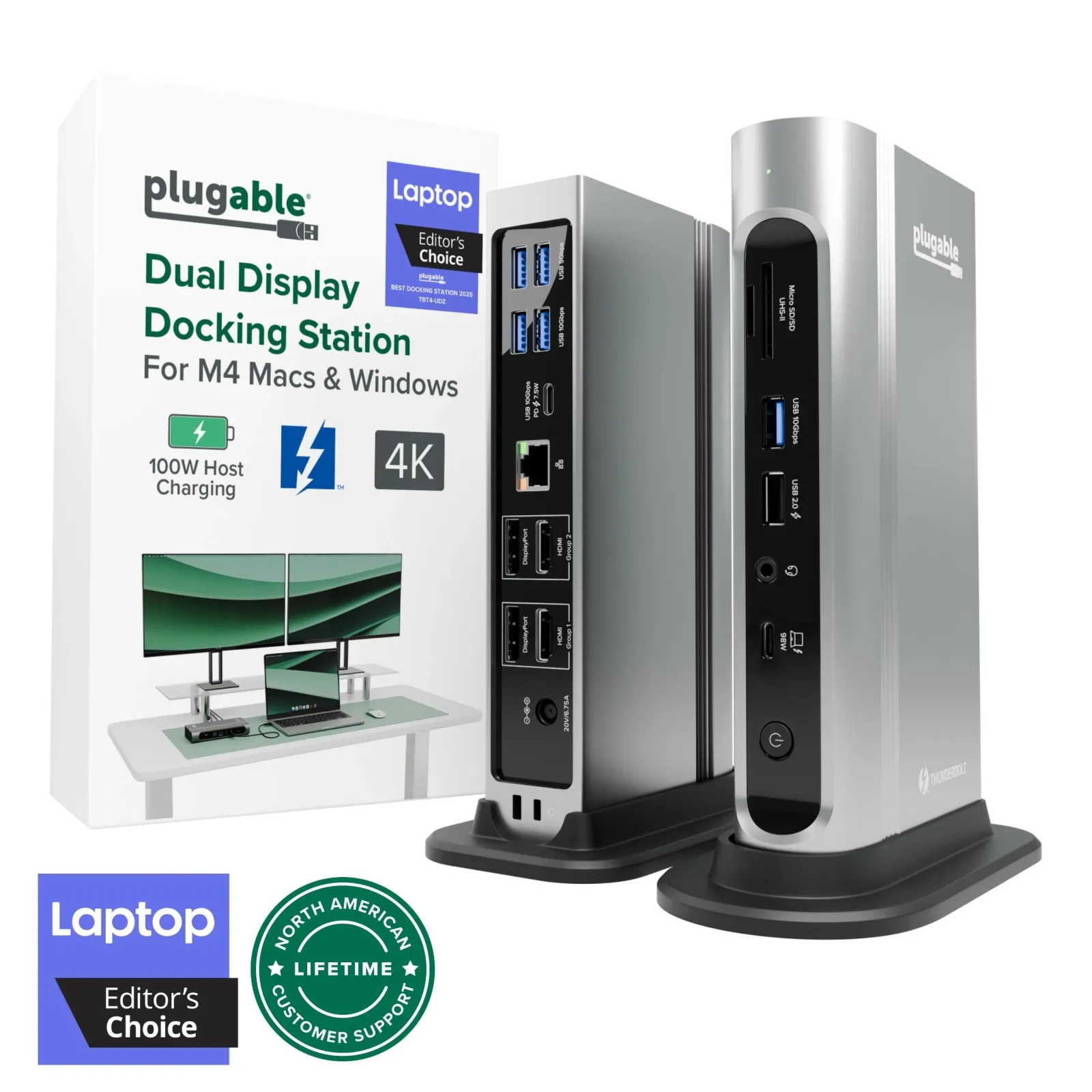
Choose Plugable TBT4-UDX1 for a compatible laptop on a 2.5 Gbps wired network: its Ethernet connection fits that network speed, and its built-in HDMI output connects a monitor directly.7
For adding your own NVMe SSD later
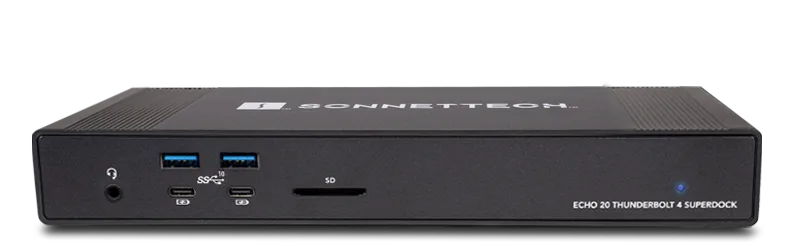
Choose Sonnet Echo 20 Thunderbolt 4 SuperDock if you want to add NVMe storage inside the dock: its built-in M.2 slot provides a place for the drive, alongside a direct HDMI monitor connection.16
10 models / at a glance
Key differences
Compare the options
10 products
Narrow your options
Reset requirements8 models compared. 2 models have incomplete measurements.
Total ports; higher is preferred · 0 to 19
Laptop charging power (W); higher is preferred · 0 to 140
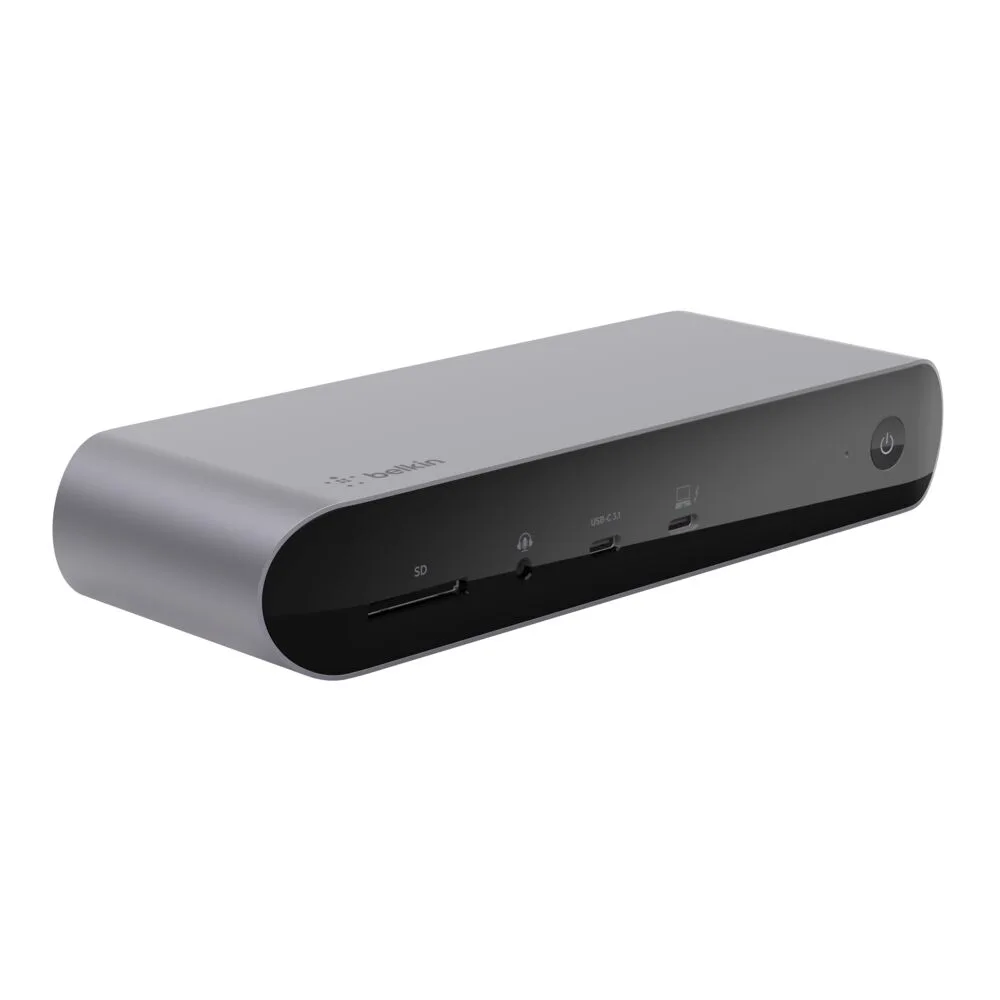
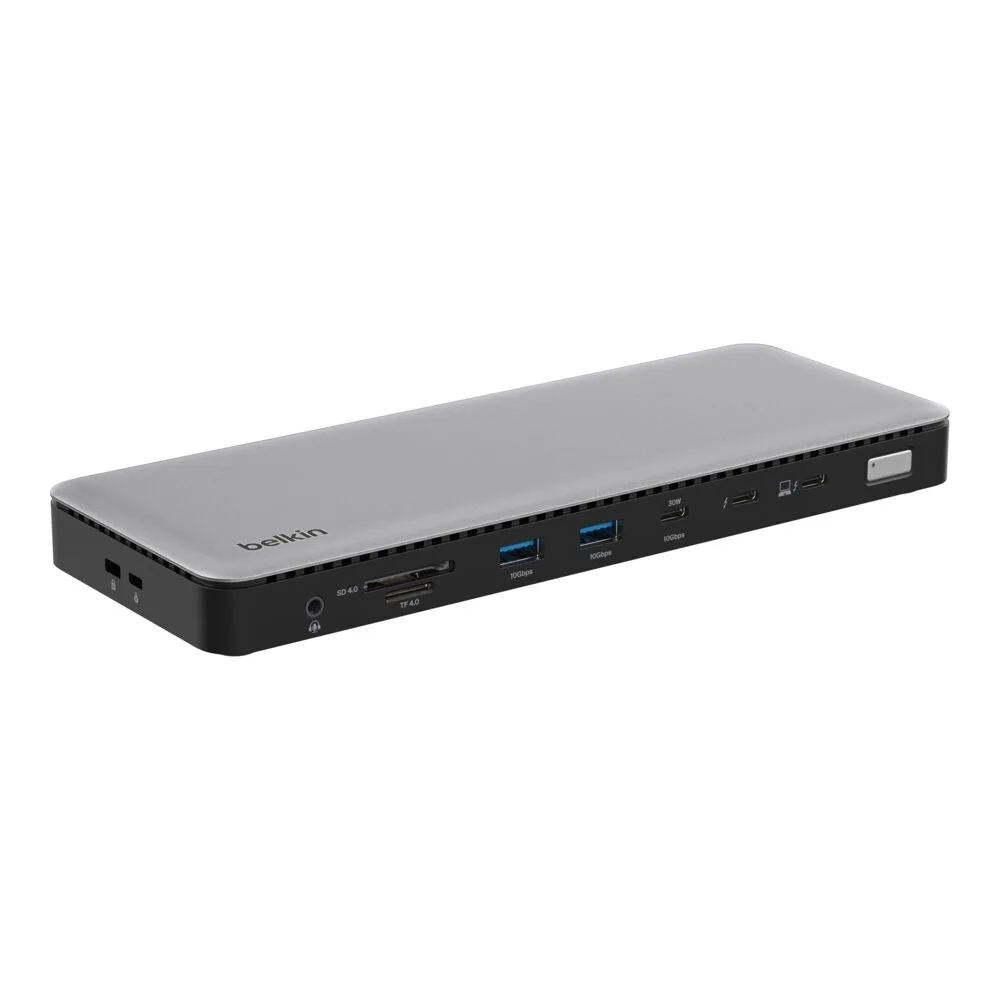
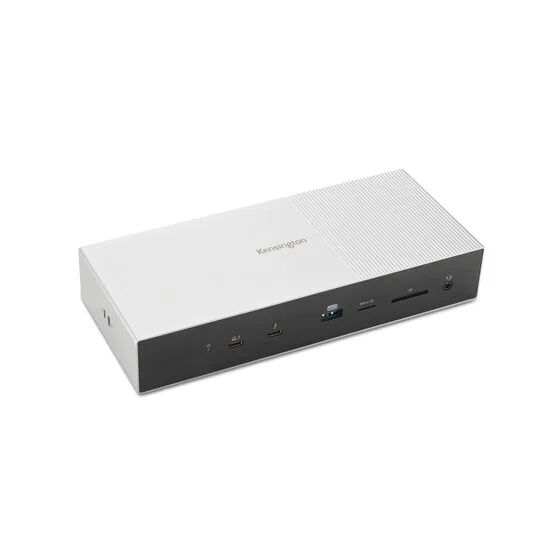
Compare models side by side
Choose two or three products to compare.
Models in this comparison
Every specification for these products
| Specification | Kensington SD7100T5 EQ Pro | Belkin Pro Thunderbolt 4 Dock | Belkin Thunderbolt 4 Dock | Kensington SD5000T5 EQ | Kensington SD5780T | Plugable TBT4-UD5 | Plugable TBT4-UDX1 | Plugable TBT4-UDZ | Razer Thunderbolt 4 Dock Chroma | Sonnet Echo 20 Thunderbolt 4 SuperDock |
|---|---|---|---|---|---|---|---|---|---|---|
| Thunderbolt generation | Thunderbolt™ 51 | Thunderbolt 42 | Thunderbolt 43 | Thunderbolt™ 54 | Thunderbolt 45 | Thunderbolt 46 | Thunderbolt 47 | Thunderbolt 48 | Thunderbolt 49 | Thunderbolt 410 |
| Laptop charging power | 140 W1 | 90 W2 | 96 W3 | Up to 140 W4 | 96 W12 | 100 W6 | 96 W7 | 98.0 W8 | 90 W14 | Up to 100 W10 |
| Max displays at once | Not published | Not published | Not published | Not published | Not published | Not published | Not published | Not published | Not published | Not published |
| Downstream Thunderbolt ports | 31 | 22 | 13 | 34 | 25 | 16 | 28 | 08 | 317 | 216 |
| Total ports | 191 | 1211 | 143 | 114 | 1113 | 136 | 117 | 168 | 1015 | 1916 |
| Built-in HDMI port | Not published | Not published | Not published | Not published | Not published | Yes18 | Yes7 | Not published | Not published | Yes16 |
| USB-A ports | Not published | Not published | Not published | Not published | Not published | Not published | Not published | Not published | 39 | Not published |
Compare features
10 products
Kensington SD7100T5 EQ Pro
- Thunderbolt generation
- Thunderbolt™ 51
Belkin Pro Thunderbolt 4 Dock
- Thunderbolt generation
- Thunderbolt 42
Belkin Thunderbolt 4 Dock
- Thunderbolt generation
- Thunderbolt 43
Kensington SD5000T5 EQ
- Thunderbolt generation
- Thunderbolt™ 54
Kensington SD5780T
- Thunderbolt generation
- Thunderbolt 45
Plugable TBT4-UD5
- Thunderbolt generation
- Thunderbolt 46
Plugable TBT4-UDX1
- Thunderbolt generation
- Thunderbolt 47
Plugable TBT4-UDZ
- Thunderbolt generation
- Thunderbolt 48
Razer Thunderbolt 4 Dock Chroma
- Thunderbolt generation
- Thunderbolt 49
Sonnet Echo 20 Thunderbolt 4 SuperDock
- Thunderbolt generation
- Thunderbolt 410
Connections at a glance.
Symbols show documented connector counts. They do not show port position, device compatibility or simultaneous power allocation.
How they compare
Scroll the table to see every product and specification.
| Specification | Our pickKensington SD7100T5 EQ Pro | Belkin Pro Thunderbolt 4 Dock | Belkin Thunderbolt 4 Dock | Kensington SD5000T5 EQ | Kensington SD5780T | Plugable TBT4-UD5 | Plugable TBT4-UDX1 | Plugable TBT4-UDZ | Razer Thunderbolt 4 Dock Chroma | Sonnet Echo 20 Thunderbolt 4 SuperDock |
|---|---|---|---|---|---|---|---|---|---|---|
| Thunderbolt generation | Thunderbolt™ 51 | Thunderbolt 42 | Thunderbolt 43 | Thunderbolt™ 54 | Thunderbolt 45 | Thunderbolt 46 | Thunderbolt 47 | Thunderbolt 48 | Thunderbolt 49 | Thunderbolt 410 |
| Laptop charging power | 140 W1 | 90 W2 | 96 W3 | Up to 140 W4 | 96 W12 | 100 W6 | 96 W7 | 98.0 W8 | 90 W14 | Up to 100 W10 |
| Max displays at once | Not published | Not published | Not published | Not published | Not published | Not published | Not published | Not published | Not published | Not published |
| Downstream Thunderbolt ports | 31 | 22 | 13 | 34 | 25 | 16 | 28 | 08 | 317 | 216 |
| Total ports | 191 | 1211 | 143 | 114 | 1113 | 136 | 117 | 168 | 1015 | 1916 |
| Built-in HDMI port | Not published | Not published | Not published | Not published | Not published | Yes18 | Yes7 | Not published | Not published | Yes16 |
| USB-A ports | Not published | Not published | Not published | Not published | Not published | Not published | Not published | Not published | 39 | Not published |
Sources
Compare two models
- Kensington SD5780T vs Kensington SD7100T5 EQ Pro
- Kensington SD7100T5 EQ Pro vs Belkin Thunderbolt 4 Dock
- Kensington SD7100T5 EQ Pro vs Belkin Pro Thunderbolt 4 Dock
- Kensington SD7100T5 EQ Pro vs Sonnet Echo 20 Thunderbolt 4 SuperDock
- Kensington SD7100T5 EQ Pro vs Plugable TBT4-UDZ
- Kensington SD7100T5 EQ Pro vs Plugable TBT4-UDX1
- Kensington SD7100T5 EQ Pro vs Plugable TBT4-UD5