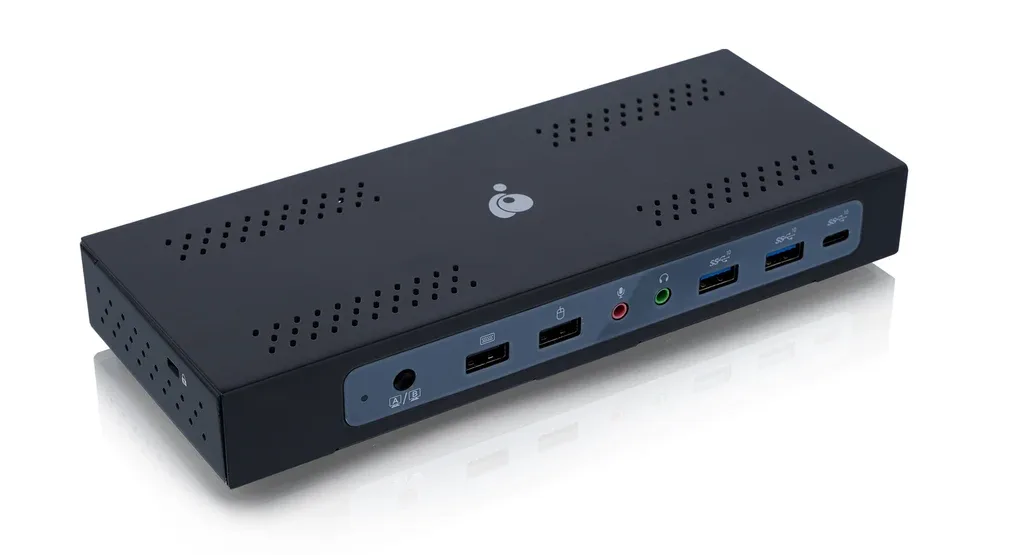
KVM Docking Stations
StarTech.com 129UE-USBC-KVM-DOCK
Product image unavailableStarTech.com 129UE-USBC-KVM-DOCK
The details
Specifications
Core specifications6
| External displays | 22 |
|---|---|
| Power to the active computer | 90 W2 |
| Power to the second computer | 45 W2 |
| HDMI outputs | 01 |
| Host computers | 21 |
| DisplayPort outputs | 22 |
Specifications not documented (21)
Split display modes, Hotkey switching, Mouse-edge switching, Warranty, Max display resolution, Display technology, Switching controls, Power adapter, USB-A 10Gbps ports, USB-C data ports, Keyboard and mouse USB ports, Wired Ethernet, Wake-on-LAN, Audio jacks, Security lock slot, Driver required, Operating systems, TAA compliant, MAC address pass-through, VESA mountable, Weight.
Compare the tradeoffs
Alternatives
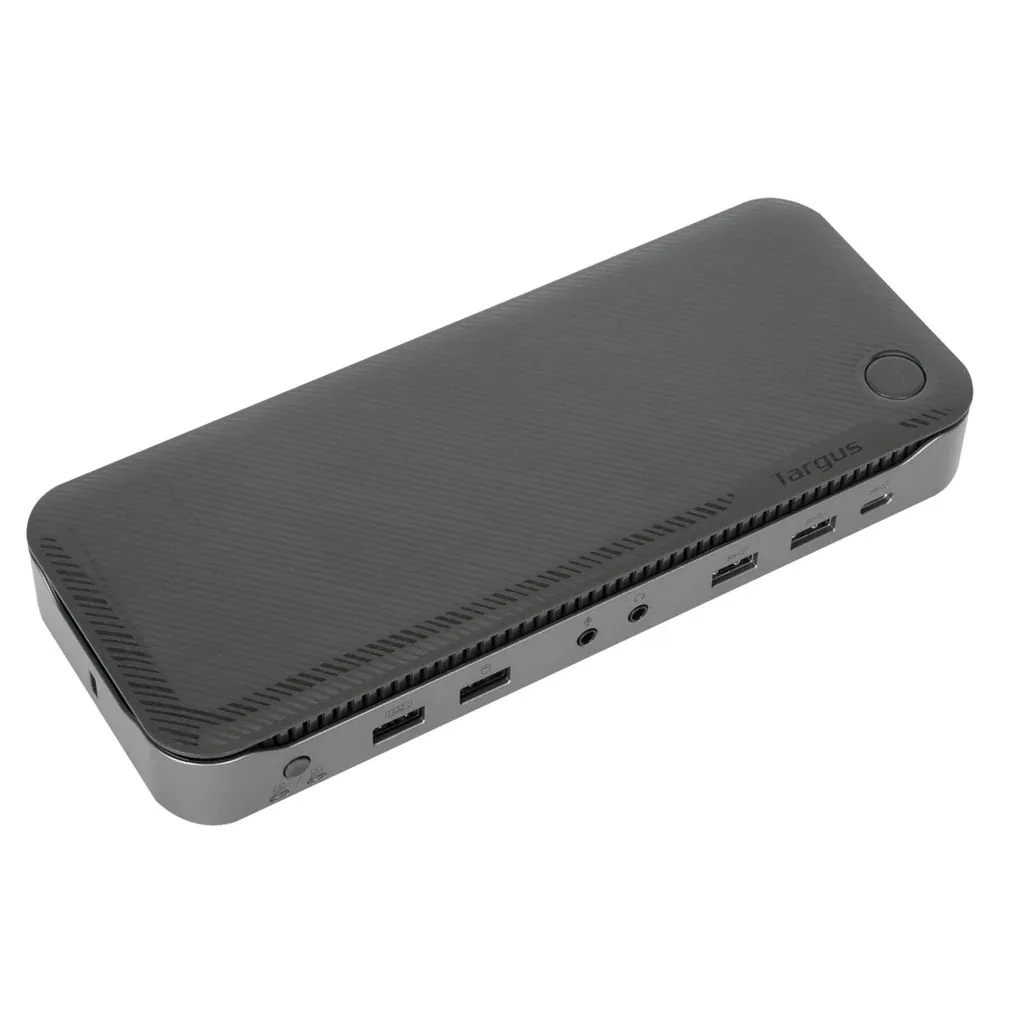
Targus Dual Host USB-C KVM 4K
- External displays
- 3 (Tested configuration: Up to three monitors shared between the two docked hosts; display compatibility depends on host and operating system.)4
- Power to the active computer
- 100 W (Tested configuration: Up to 100W for each USB-C host simultaneously via Power Delivery 3.0.)4
- Power to the second computer
- 100 W (Tested configuration: Up to 100W for each USB-C host simultaneously via Power Delivery 3.0.)4